Get AutoBlast running.
Do this on the computer you use for Facebook Marketplace, in Google Chrome. Each person on your team does it on their own computer.
-
Download AutoBlast
AutoBlast is a Google Chrome extension. Don't have Chrome? Get it here first.
-
Install it in Chrome
- Unzip the file you downloaded. On Mac, double-click it. On Windows, right-click it and pick Extract All. Move the AutoBlast-extension folder somewhere it can stay, like Documents.
- In Chrome, type chrome://extensions in the address bar and press Enter.
- Switch on Developer mode (top right).
- Click Load unpacked and choose the AutoBlast-extension folder.
- Click the puzzle-piece icon at the top right of Chrome, then the pin next to AutoBlast so it stays in your toolbar.
Keep the folder. Don't delete or move it after installing, or Chrome turns AutoBlast off. A one-click Chrome Web Store version is coming soon. -
Sign in with your email
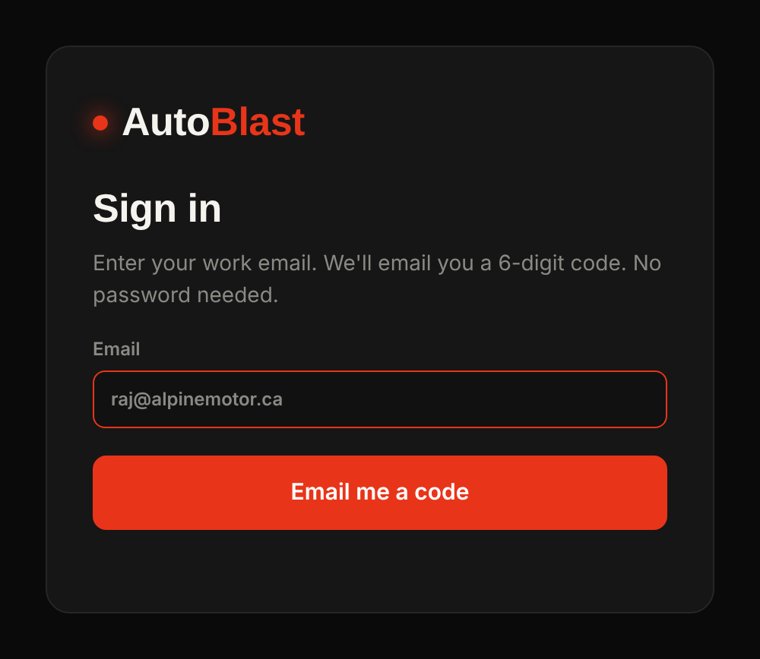
The AutoBlast dashboard opens by itself. If it doesn't, click the AutoBlast icon and press Dashboard. Type your work email, then the 6-digit code we email you from login@autoblast.ca. No passwords. Check spam if it isn't there within a minute.
-
Start as a salesperson
Choose I'm a salesperson. Type the dealership you work at, your name, the phone buyers should call and the dealership website. AutoBlast reads every car on the website and keeps them up to date.
It's just you for now. Your leads stay private. You can invite coworkers or refer your manager anytime from Team & invites.
-
Create your dealership
Choose I'm a manager / owner and fill in your dealership's name, phone, address and website. AutoBlast reads every car on your website and keeps them up to date.
Prefer to start on the web? You can sign in here to create your dealership and get invite codes. You'll still sign in to the extension with the same email. -
Join your team
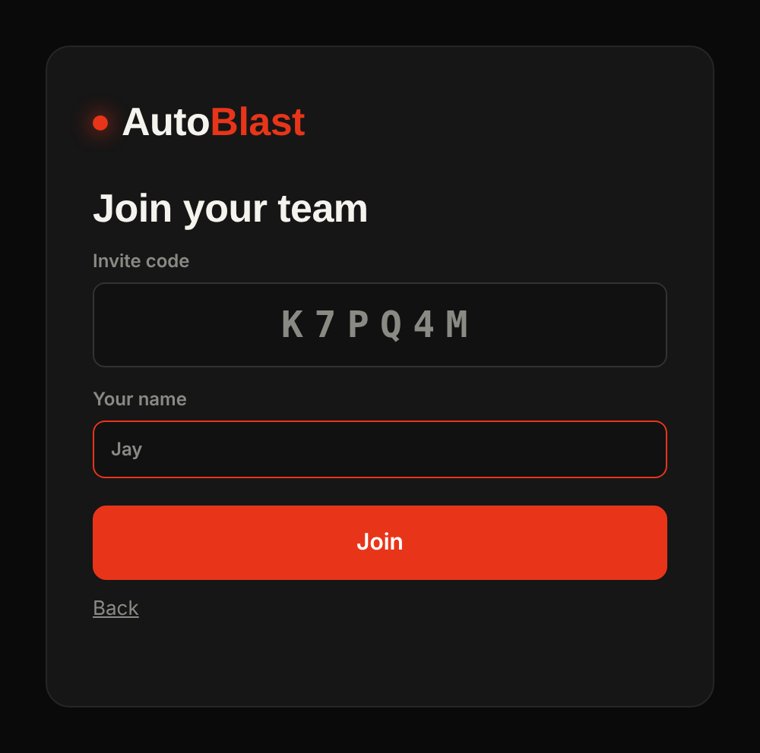
Choose I have an invite code, type the 6-letter code and your name, then click Join. Your team's cars show up within a minute. Your leads stay private to you.
-
Follow "Start here"
The dashboard opens on Start here, a checklist that walks you through the rest and turns each step green when it's done:
- Add your store hours, and a booking or credit link if you have one.
- Load your cars. One click imports them from the website.
- Sign in to Facebook. It opens Facebook for you and spots when you're in.
- Post your first car. The orange AB panel fills the listing and photos, and you press Publish.
- Turn on Autopilot in test mode, watch it handle a real buyer, then Go live.
-
Invite your team
Go to Team & invites and click Invite a salesperson. Copy the message and text it to your team; it links them here. One code works for up to 20 people for 30 days. You'll see everyone's leads, bookings and live posts.
-
Bring your coworkers (optional)
In Team & invites, anyone can invite other salespeople with a code. Think your manager would want it for the whole dealership? Use Refer your dealership and we'll reach out.
-
Leave it running
Autopilot works in a small background window. Keep the computer plugged in, awake and Chrome open while you want buyers answered. AutoBlast checks itself every minute, restarts the bot if it stalls, and alerts you if Facebook signs you out or a buyer needs you.
Good to know
Does AutoBlast need my Facebook password?
No. It works inside your own Chrome, where you're already signed in to Facebook. It never sees or stores your password, and it never publishes a listing without you clicking publish.
Will Facebook flag my account?
AutoBlast keeps you inside safe limits by default: a few posts a day, human-like delays and a daily cap on automatic replies. Use your own real account and don't post the same car from several accounts.
Does it work on a phone?
No, AutoBlast runs in Google Chrome on a Windows or Mac computer. You'll get leads and booked test drives on that computer, and you can keep chatting with buyers in Messenger on your phone as usual.
I didn't get the code email.
Check spam and promotions, make sure the email is typed right, and wait a minute before asking for a new one. Each new code cancels the last one.
My website import missed some cars.
Paste the page that lists all your used cars (like yourdealer.ca/inventory) instead of the home page. You can also drag in an Excel, CSV or DMS export.
How do I update AutoBlast?
Download the new version here, replace the files in your AutoBlast-extension folder, then press the reload arrow on AutoBlast at chrome://extensions. Your cars and settings stay.